![Perspicuity_new_Dark_Logo-1.png]](https://knowledge.perspicuity.co.uk/hs-fs/hubfs/Perspicuity_new_Dark_Logo-1.png?height=40&name=Perspicuity_new_Dark_Logo-1.png)
Most types of columns can be added without leaving your list or library.
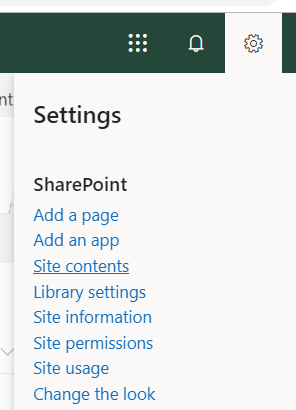
- Navigate to the list or library you want to create a column in from the site contents of that site.
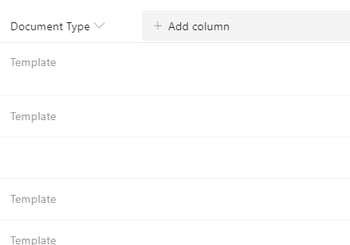
- Select + Add column or + to the right of the last column name at the top of the list or library.
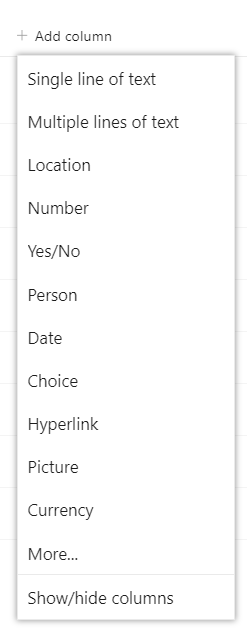
- In the dropdown menu, choose the type of column you want.
- In the Create a column panel, type a title or column heading into the Name field.
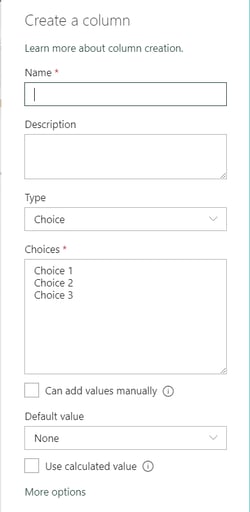
- Enter any other required information. The number of fields will vary with column type you chose. The above example is for a choice field.
- Click 'Save'.