- When looking at the list, In the command bar of your list, select the View options dropdown.
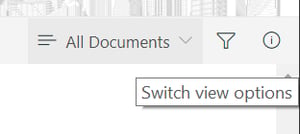
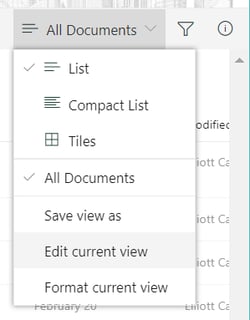
- Click the name of the view that you want to change.
- Click View options again, and then select Edit current view.
- On the Edit View page, make your changes. You can add or remove columns, add sort or filter criteria, configure folders, and more.
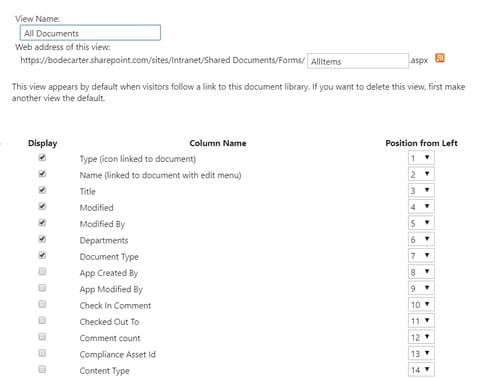
- When you are finished with your changes, click OK.
English
![Perspicuity_new_Dark_Logo-1.png]](https://knowledge.perspicuity.co.uk/hs-fs/hubfs/Perspicuity_new_Dark_Logo-1.png?height=40&name=Perspicuity_new_Dark_Logo-1.png)